Getting help
For issues with your test, contact the instructor for your test or your institution's help desk.
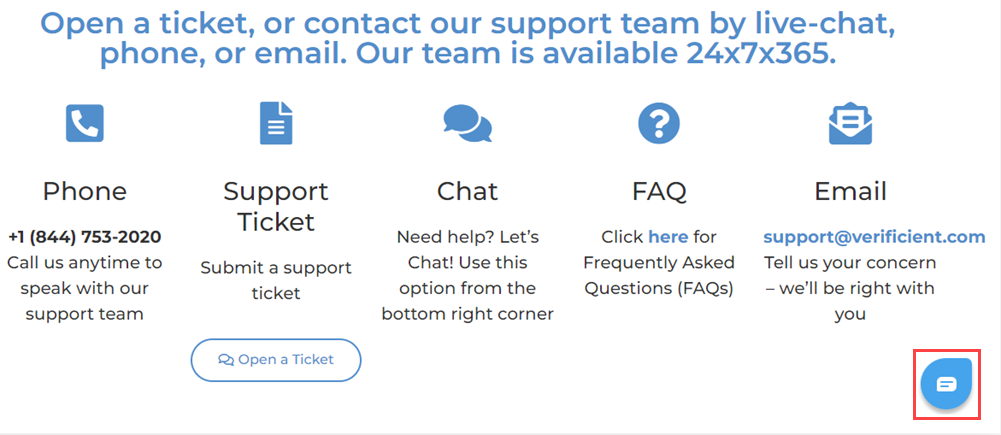
If you need help installing or using Proctortrack, browse to the Proctortrack support page to open a ticket, or contact the Proctortrack support team by live chat, phone, or email.
Help with Proctortrack during a test
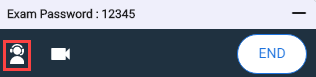
During a test, select the person icon  to link directly to the Proctortrack support page.
You can then access immediate help by selecting the live chat icon at the bottom right of the Proctortrack support page.