Replay tools
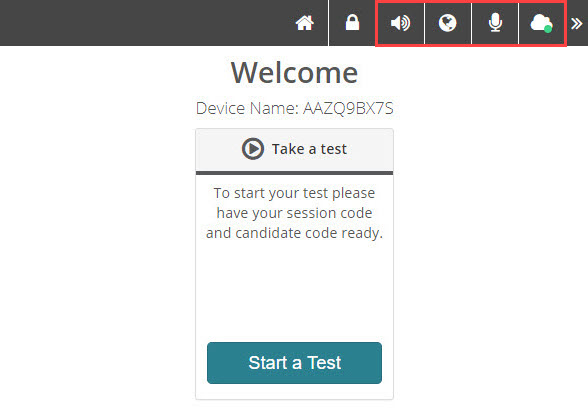
The Replay toolbar lets you test your speakers, microphone, and bandwidth, and change the display language.
Note
Administrators can hide any of these icons if they're not needed — for example, if a test isn't available in other languages, the language switcher won't display.
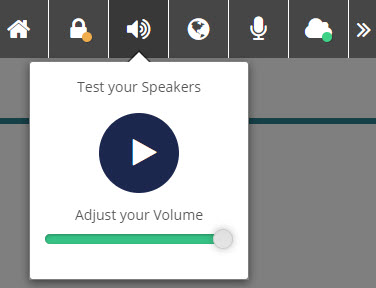
Speaker
Select the speaker icon to test your speakers.
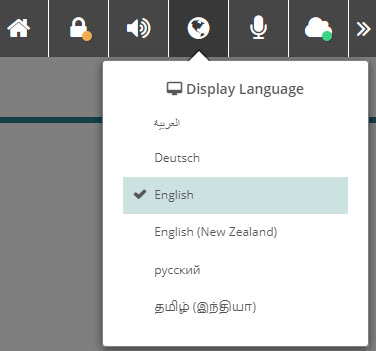
Language selector
Select the language icon to change the display language, if the test is available in other languages.
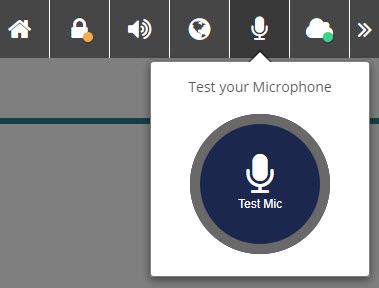
Microphone
Select the microphone icon to test your mic.
Bandwidth test
Select the cloud icon to test your bandwidth.
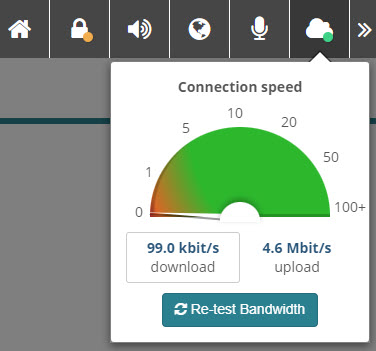
The cloud icon also indicates your current network mode — hover over it to see the mode:
- Light green — low bandwidth mode
- Dark green — online
- Red — offline
- Yellow — reliable mode (test was started online and then went offline)
What your test administrator controls
- Which icons appear on the Replay toolbar.
- Whether the language switcher is shown (depends on whether your test is available in multiple languages).