Test-taker tools
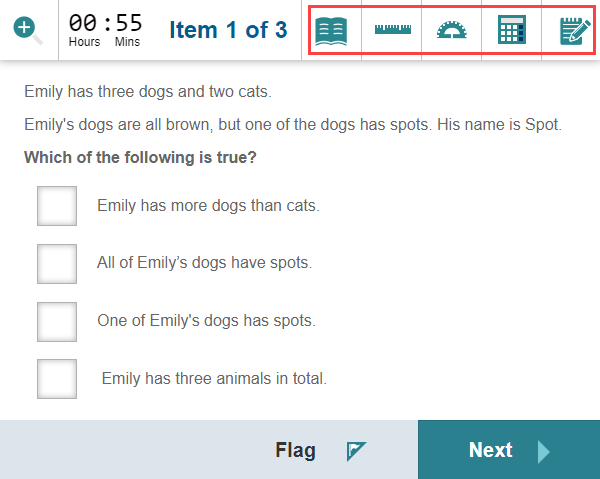
You may have test-taker tools available if your test author added them to your test. When available, they display at the top right of the test player. Select an icon to open the tool; select it again to close it.
You may not see any tools, or you may see one or more depending on what the test author included.
Keyboard shortcuts
You can open and close each tool with a keyboard shortcut:
- R — Toggle ruler
- P — Toggle protractor
- C — Toggle calculator
- N — Toggle notepad
- M — Toggle reference material
For the full list of shortcuts in Replay, see Keyboard shortcuts.
Calculator
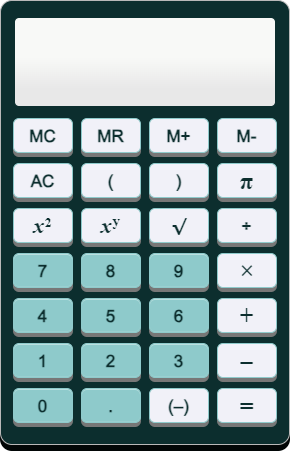
You can operate the calculator  buttons with your mouse. The system keeps your calculations private — only you see them.
Protractor
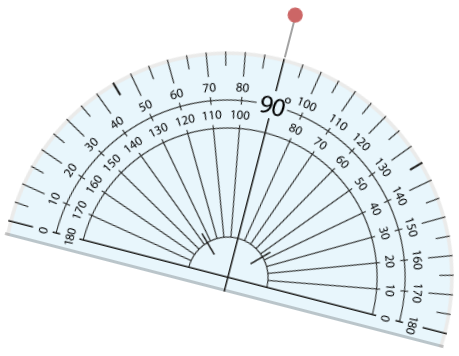
A protractor  may be available for questions requiring you to measure angles.
- To move the protractor, select and hold the left mouse button on the protractor and drag.
- To rotate it, select and hold the left mouse button on the red dot and drag.
Ruler
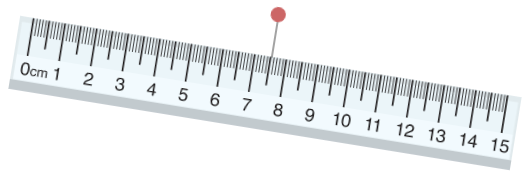
A ruler  may be available for questions requiring you to measure length.
- To move the ruler, select and hold the left mouse button on the ruler and drag.
- To rotate it, select and hold the left mouse button on the red dot above the ruler and drag.
Notepad
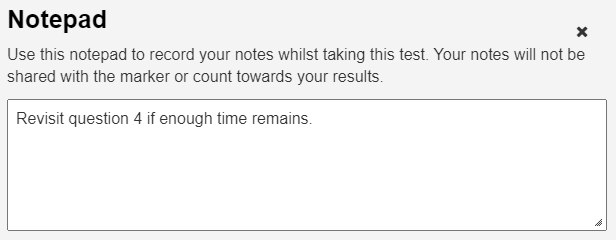
A notepad  may be included to let you take personal notes during the test.
Your notes are saved and available until your test is submitted. They're intended for your use only — they're kept private and aren't shown to the test marker.
Reference material
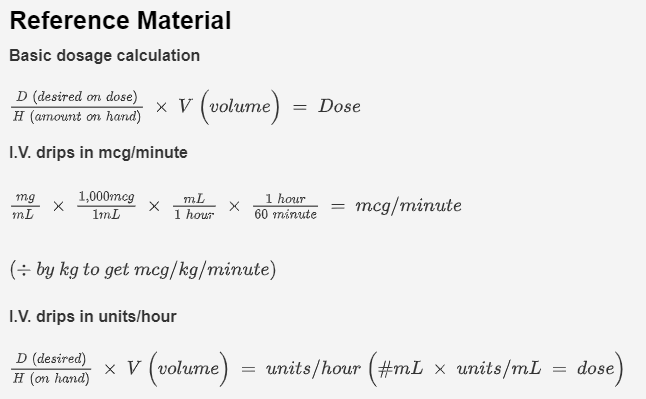
A book icon  displays if reference material is available. In this example, the test author has added some calculations for you to reference.
What your test administrator controls
- Which tools (if any) appear in your test.
- The contents of any reference material made available.