Test timer
If your test has a time limit, a timer at the top of the screen shows the remaining time you have to complete your test.
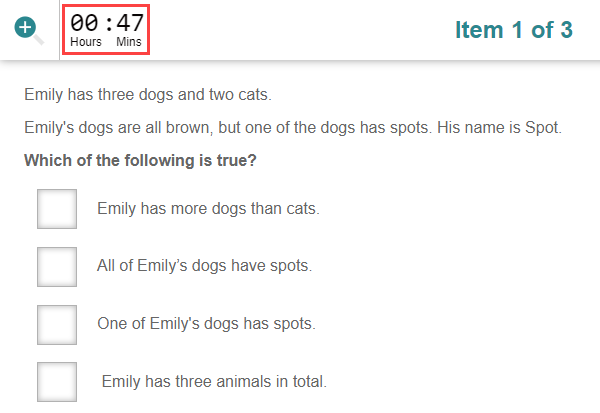
Hiding the timer
If your test author has made the timer hideable, a Hide time button appears at the top of the screen.
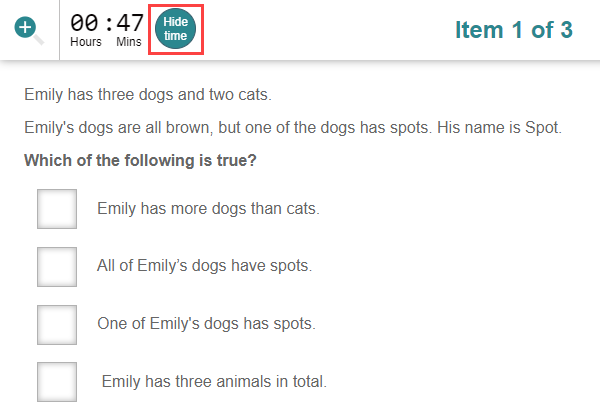
When you select Hide time, the time is replaced by a clock icon.
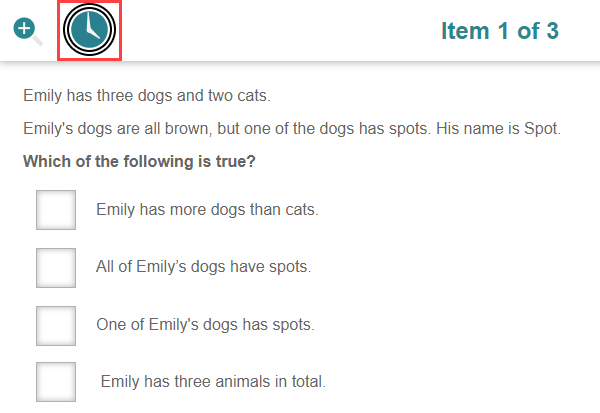
Your system administrator may have set the timer to reappear near the end of the test — for example, 5 minutes before the end. The exact time varies.
What your test administrator controls
- Whether the test has a time limit at all.
- Whether the timer can be hidden.
- Whether the timer reappears near the end of the test (and how close to the end).