Stimuli
A stimulus is additional material that appears alongside a test question to provide relevant information or context. It can be any form of content — a passage of text, a graph, a diagram, an image, an audio clip, or a video.
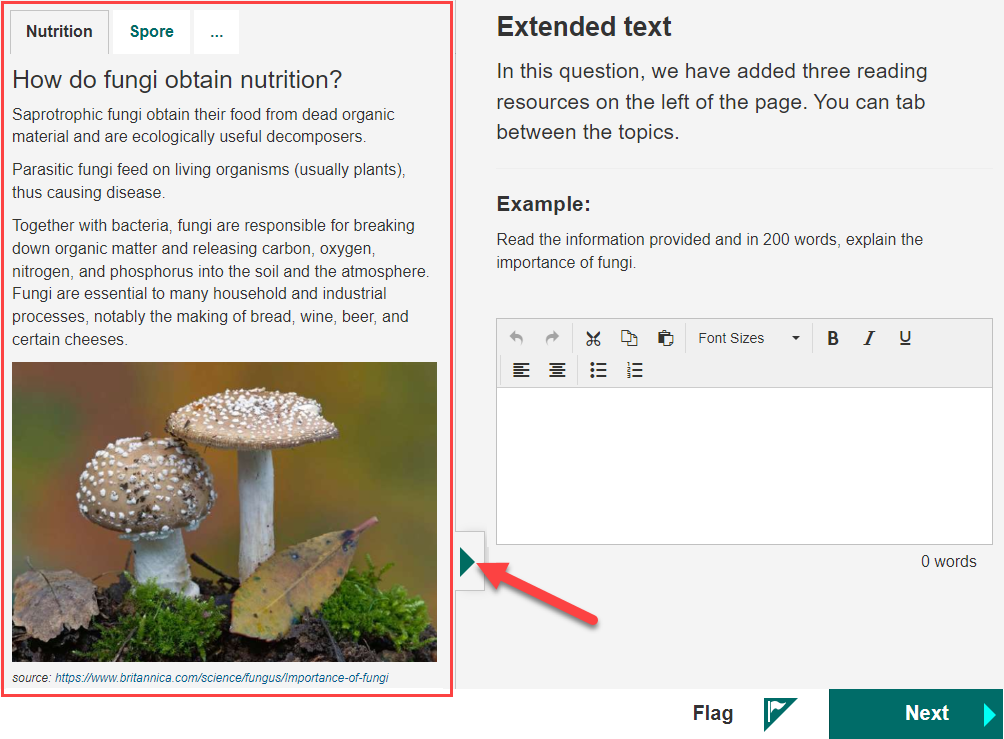
In the example below, the stimulus is highlighted on the left. There are multiple tabs at the top, each containing a separate page of information. You can maximise and minimise the stimulus by selecting the arrow  .
.
Keyboard shortcuts
You can also use keyboard shortcuts to control the stimulus panel:
- S — Expand or collapse the stimulus
- Esc — Close reference materials
- M — Toggle reference material
For the full list, see Keyboard shortcuts.
What your test administrator controls
- Whether a stimulus appears at all, and what it contains.
- Whether multiple stimulus tabs are available for a question.