Test access codes
There are two types of codes used to access your test:
- Test-taker code — links the test to your account.
- Session code — links you to a specific invigilated test session.
Note
The type of test you're taking determines whether you need both codes or just the test-taker code. Your organisation will provide the codes you need.
Test-taker code
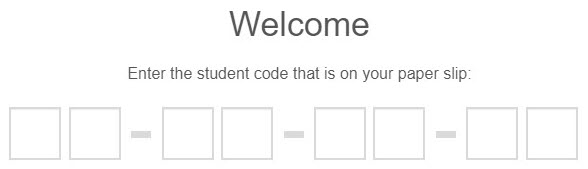
This is the first screen you'll see when logging in to your test. You may hear the test-taker code called a student code or one-time code.
Test session code
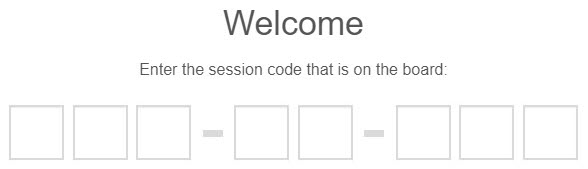
After you enter your test-taker code, you'll be directed to the session code screen.
Note
If your test doesn't require a session code, you won't see this screen.
Accessing tests from the candidate dashboard
Some institutions direct you to your test using the candidate dashboard. If you're accessing your test that way, you won't need to enter codes.
What your test administrator controls
- Whether your test requires a session code, a test-taker code, or both.
- Whether you launch from the candidate dashboard (no codes required) or from the standard login screens.