Tests
Tests are made up of one or more questions and can be added to Learning or Assessment modules to assess a learner's knowledge. There's one way to create a test but, once the module type is selected, the options in the test creation form differ. See the document on modules for more.
Note
An assessment test is added directly to a catalogue item. Learning tests, in contrast, are added to panels of pages in a module — and the module needs to be linked to a course that's then added to a catalogue item.
Assessment module tests
Assessment modules are specialised for assessment, so their tests need to be powerful and multi-functional. Assessment module tests support a large number of question types.
Questions are presented to users in the test player. The test player has restrictions that by default don't permit users to navigate away from the test to other areas of the CLS. The test player only contains test questions.
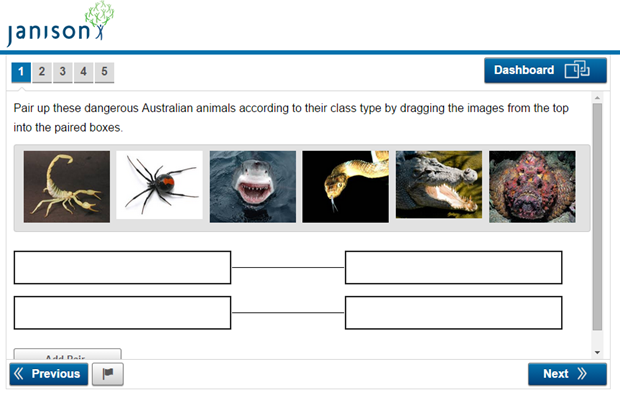
Learning module tests
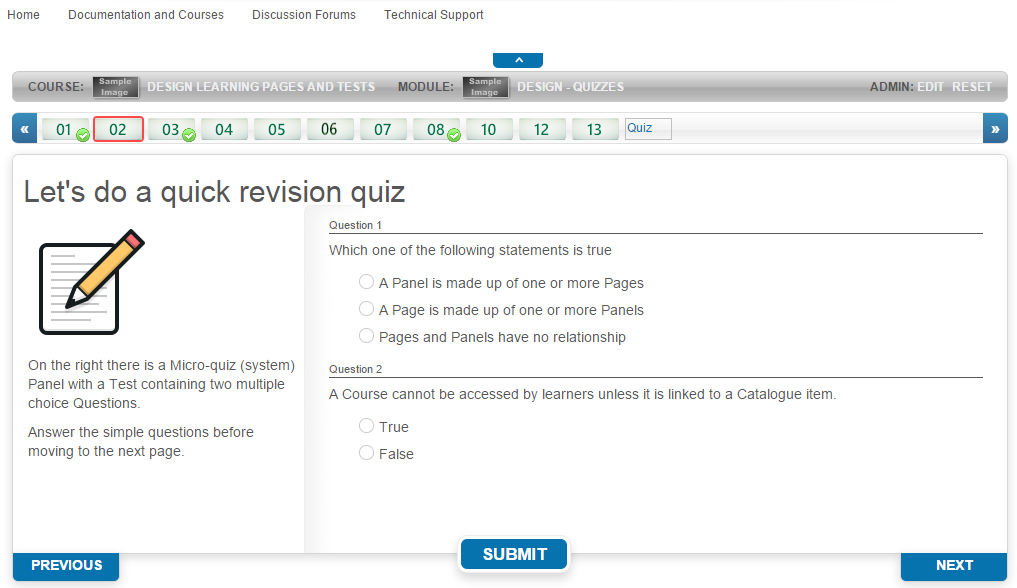
Learning modules are specialised for learning. Their tests require less functionality and there are a limited number of question types available. Questions are integrated in the panels of pages and are oriented towards enhancing and monitoring the learning experience.
Questions are presented to users in the course player. The course player contains learning material and may optionally contain one or more tests.
Differences in forms
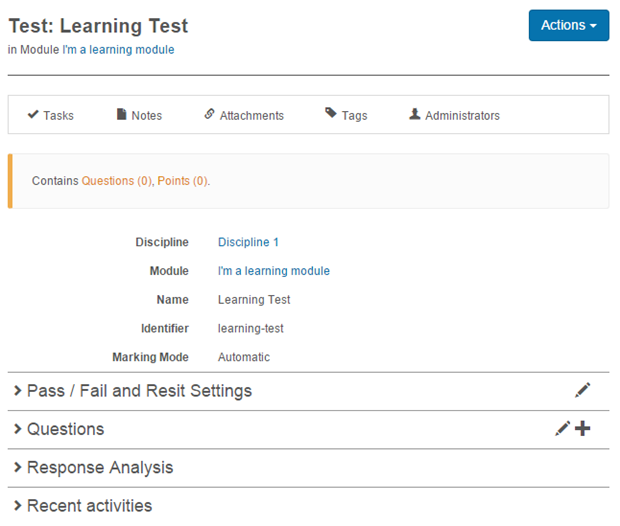
Learning test form
A learning test form has five sections:
- The body
- Pass/Fail and Resit settings
- Questions
- Response Analysis
- Recent activities
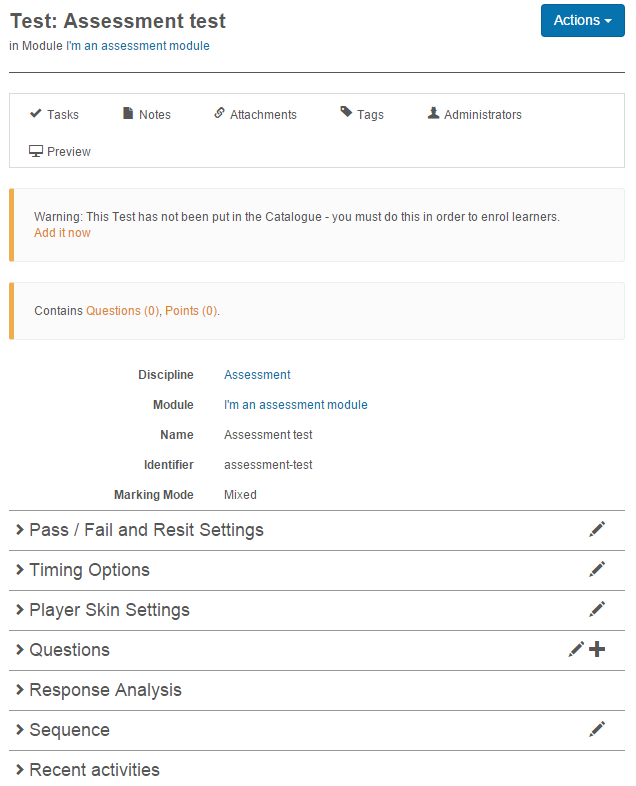
Assessment test form
An assessment test form has the four sections of the learning test form, plus:
- Timing options
- Player Skin settings
- Sequence
You also see a warning that the test hasn't been put in a catalogue — assessment tests are added directly to a catalogue item.
Settings
Several platform settings affect tests.
Administrators can configure the following settings:
Test Designer Settings (Settings > Test Designer Settings) — control which features are visible when designing tests (comments, workflow, advanced search, multiple graded responses, optional questions, etc.).
Player Skin Settings — set the visual design of the test player.