Instruction
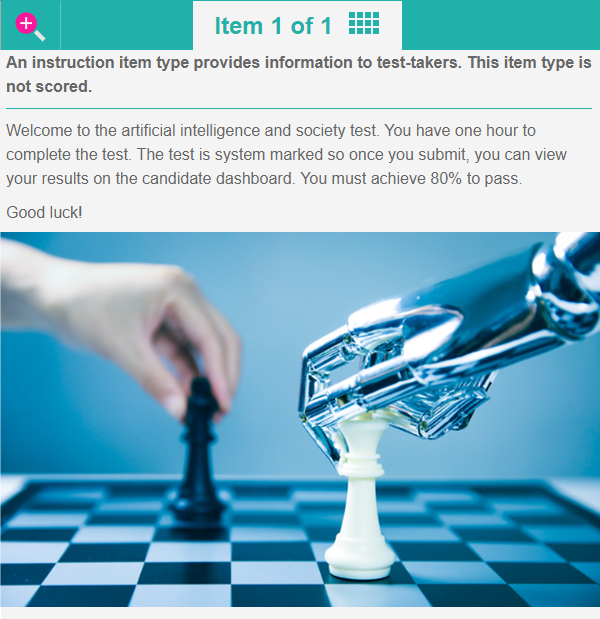
Instruction item types provide instruction and information to test-takers. This item type is not scored.
Create an instruction item
-
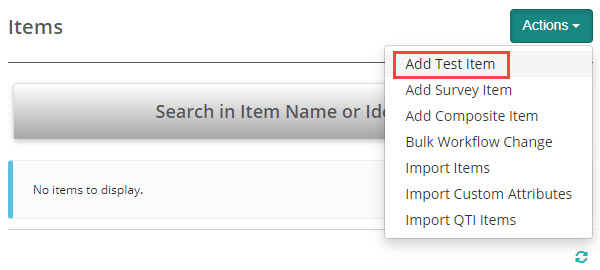
Navigate to Author > Items.
-
Select Add Test Item from the Actions drop-down.
-
The New Test Item screen displays.
-
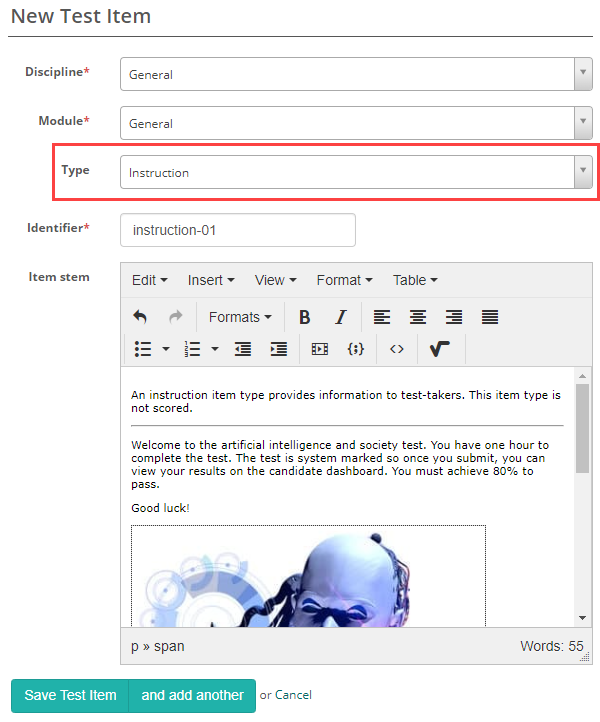
Complete the form as required. Below is an example of a new item we created.
-
Select Instruction as the item Type.
-
Enter the Item Stem and Save Test Item.