View candidate responses
Chief Markers and Administrators can view all candidate responses and scores in the context of a marking project — including all scripts and scores — from the Responses screen.
Access the Responses screen
-
From the Marking Project screen, select the Questions expandable section.
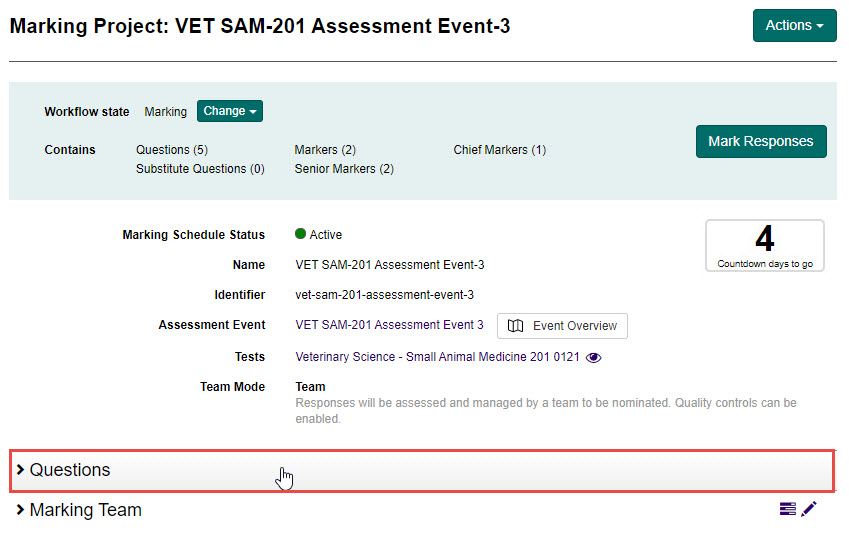
-
Select the View all Responses button.
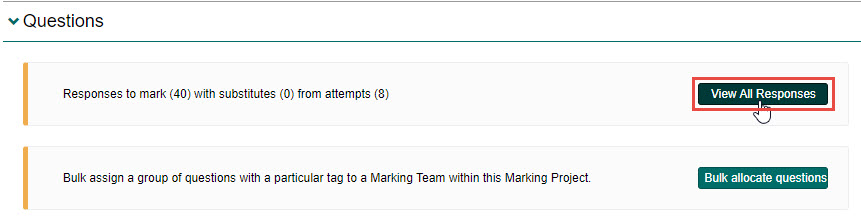
The Responses screen is displayed.
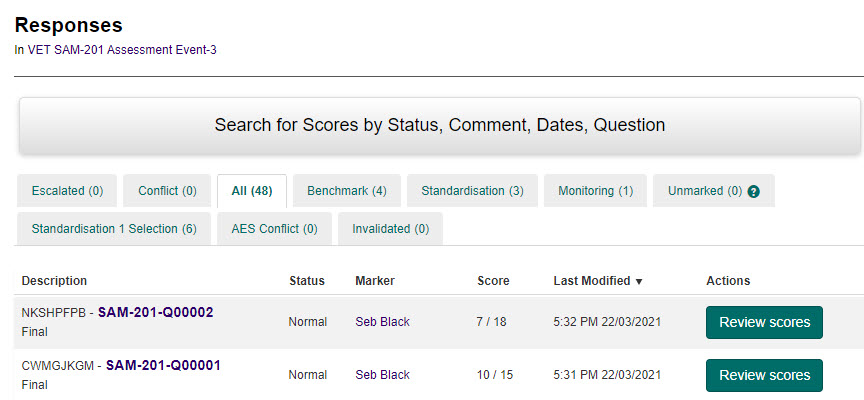
-
To review scoring and annotation for a particular script, select the Review scores button next to any script.

This will open the Marking screen for that attempt.
Tip
To learn more about the Marking screen, see Mark candidate responses.