Test Player Themes
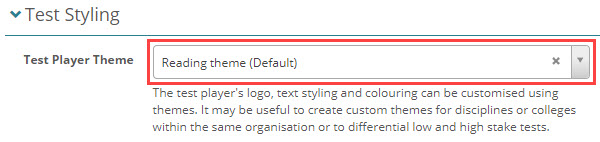
Test player themes offer the capability to incorporate a logo, customise colours, and for administrators with CSS proficiency, to integrate overriding CSS into Replay. Test authors add themes at the test level, so that the player can be customised per test.
Create a theme
To create a theme, follow the steps below.
-
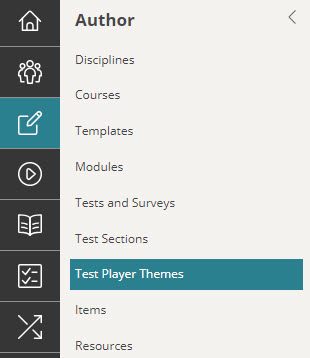
Browse to Author > Test Player Themes.
-
Select Add Test Player Theme.

-
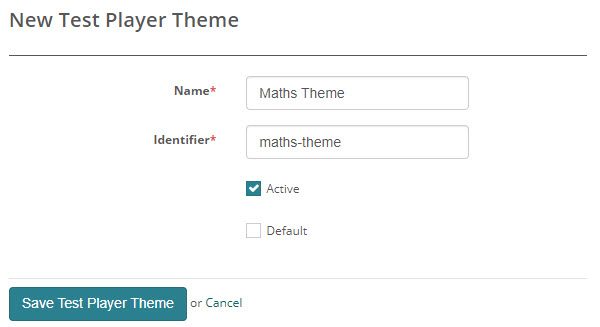
The New Test Player Theme screen displays. Enter the Name and Identifier. Selecting Active makes the theme available for the test author to select from the list of themes. Selecting Default will make the theme selected by default when a new test is created. Save the theme.
-
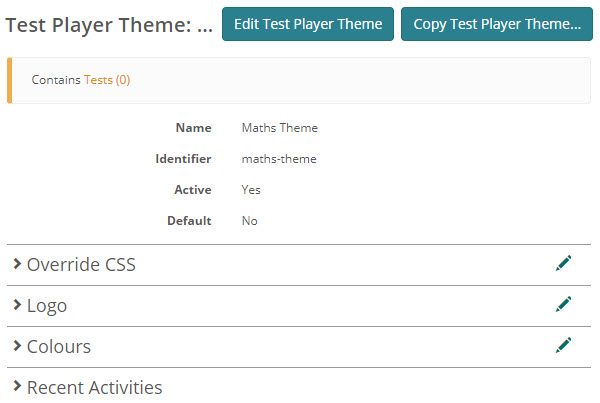
The newly created theme displays. You can now edit each section by selecting the pencil icon.

Override CSS
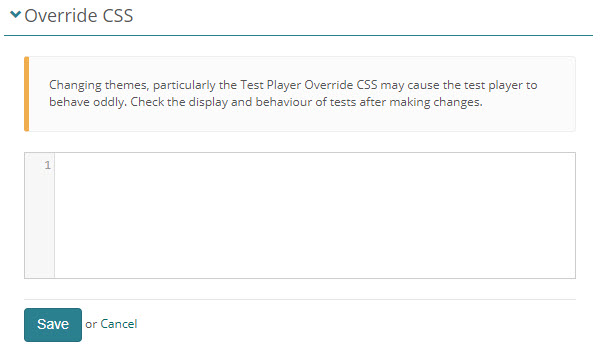
Admins with CSS skills can style Replay in this section.
Warning
The CSS may cause the test player to behave oddly. Test your CSS before releasing the theme to production.
Logo
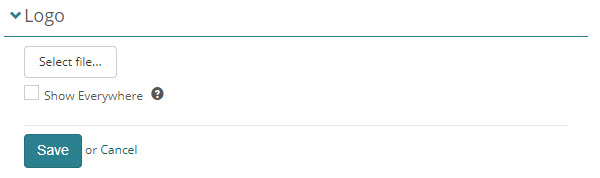
Select your logo and Save.
By default, the logo is only displayed on the information page of the test player. Selecting the Show Everywhere checkbox will display the logo on all pages of the test player.
Colours
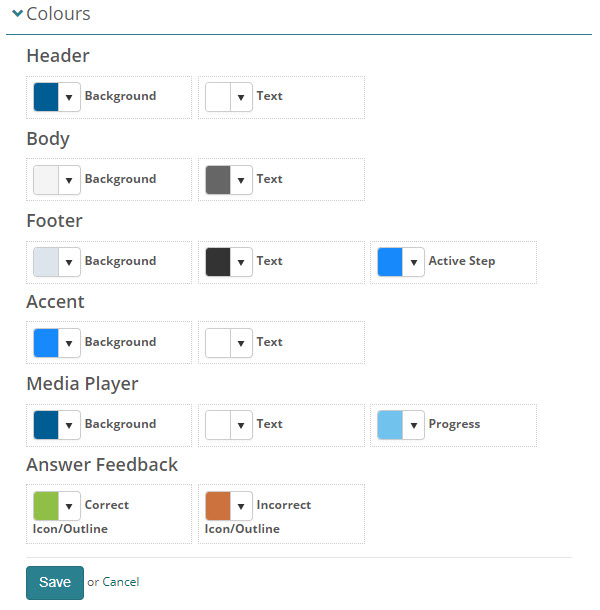
Select the required colours for each component of the test player and Save.
Themes for disability support
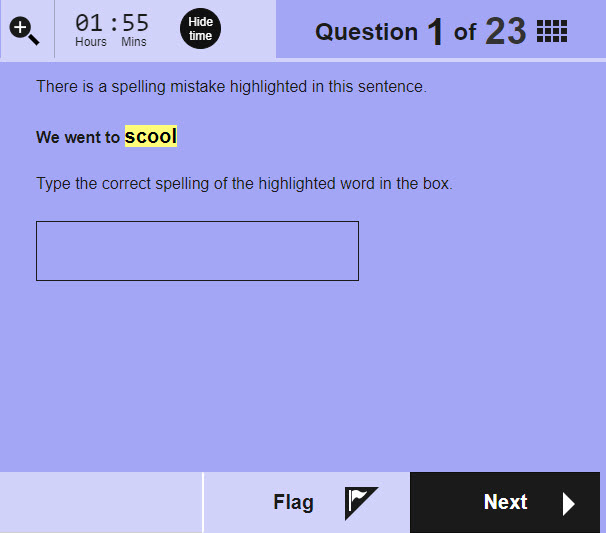
Administrators can use themes to support test-takers with disabilities such as visual impairments. In this example we have used black text against lilac background.
You can read more about this topic in our document on personal needs and preferences.
Add a theme to a test
When you create a new test or view a test, a Test Styling section is available where you can select the theme.