Enrolments
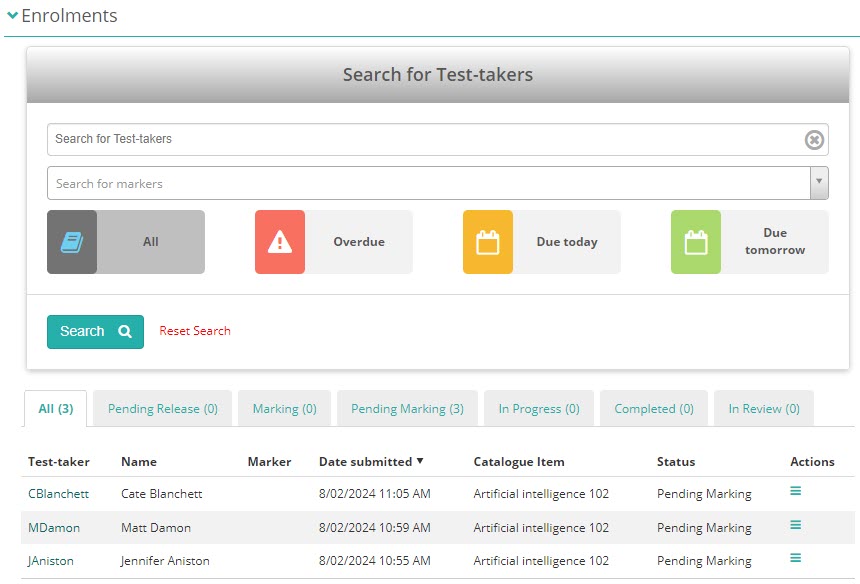
The Enrolments section gives you a summary of marking statistics and is the central hub for managing test-taker results within an enrolment-based marking project.
What you can do here
From the Enrolments section you can:
- Open marking screens — access the marking interface to review and score test-taker responses.
- Release results — make scores available to test-takers and their organisations.
- Deal with escalations — review and resolve scripts that markers have escalated for chief marker attention.
Filtering the list
The tiles at the top of the Enrolments section each represent a marking status or category. Selecting a tile filters the list below to show only enrolments in that status. This helps you focus on a specific group — for example, scripts that are pending release or currently in review.
Chief marker tasks
Many of the tasks performed from the Enrolments section are chief marker responsibilities. See Chief marker tasks for step-by-step instructions on releasing results, handling escalations, and monitoring seed scripts.