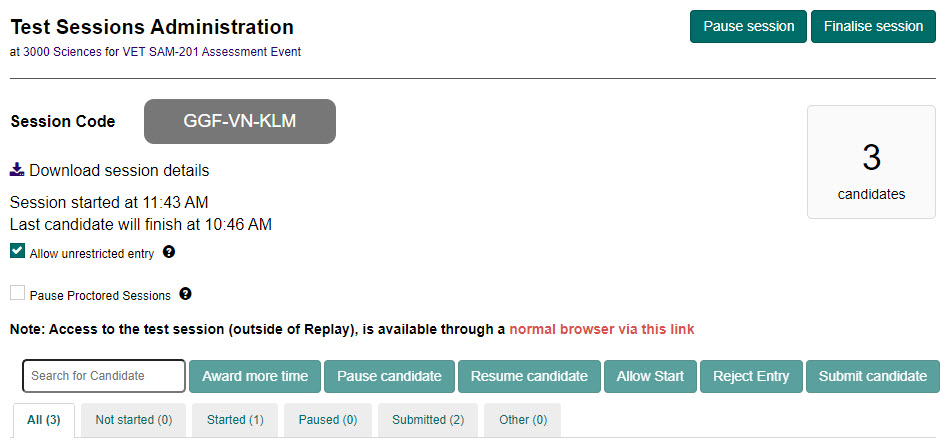
Open test sessions
You can search for and view the details of open test sessions using Open Test Sessions as follows:
Search for open test sessions
To search for an open test session:
-
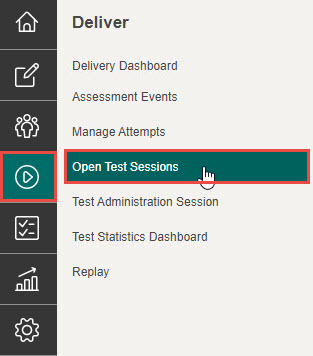
Select Deliver in the Menu, then select Open Test Sessions.
-
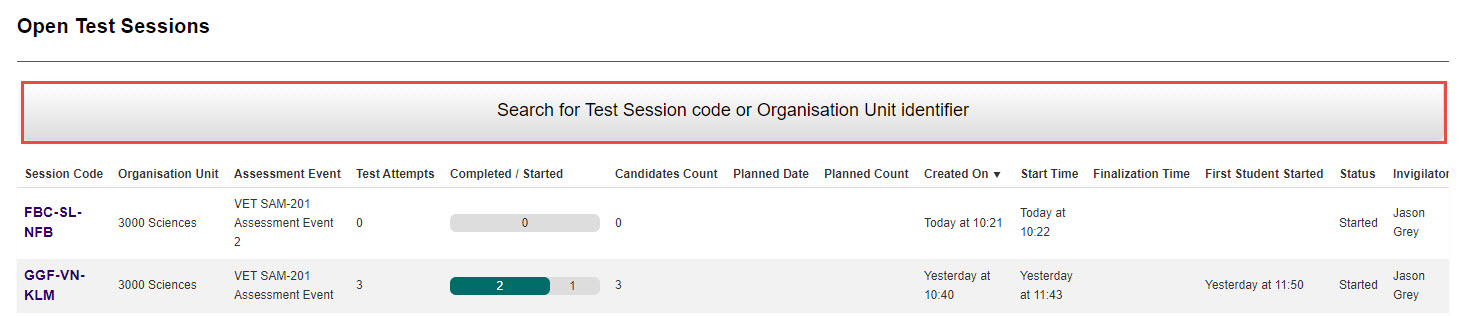
Select the Search for Test Session code or Organisation Unit Identifier section to drop-down the search function.
-
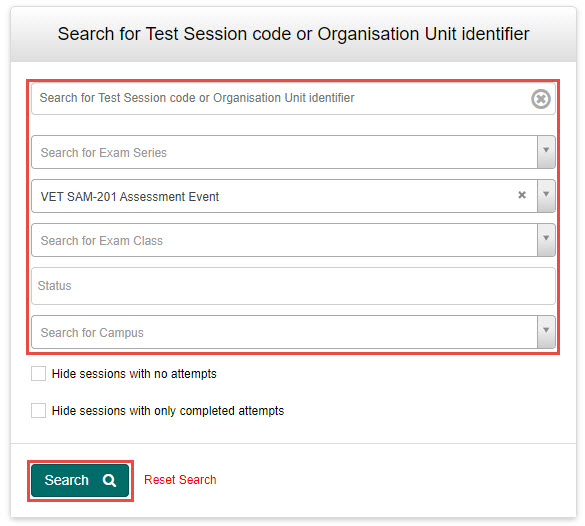
In the Search field, enter your search criteria you wish to search for, then select the Search button.
Tip
To perform another search, select Reset Search next to the Search button.
View test session details
To view the test session, select the Session Code.

This opens the Test Sessions Administration dashboard for that test session.