Custom attribute types
There are many types of custom attributes to fit different scenarios. The table below describes each type, with examples of how it displays to end users. For how to create them, see custom attributes for the shared main settings and create custom attributes for the step-by-step instructions per type.
| Type | Description |
|---|---|
| Boolean | Used to allow selection of 'true' or 'false' values. The required options are displayed as checkboxes with labels. If the end user checks the box, the value is 'true'; if not, the value is 'false'. Example — adding a checkbox to the New User screen: 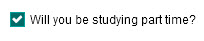 |
| Custom View | Allows custom pages to be accessed from a specified location in Janison Insights. A custom view can also serve as a data store for information from custom pages, by allowing forms to display and storing user responses. Example — a custom view button that displays when an author is creating a catalogue item, allowing the author to complete tasks on the related custom page: 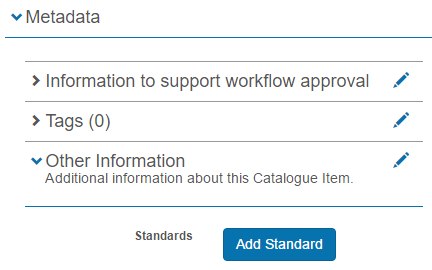 Tip: a custom page must be built before it can be used to create a custom view attribute. Generally a Janison developer builds the custom page — contact the Janison customer services team for more information. |
| Date | Used to add a date field to a system object. The end user selects the field and chooses a date from a date picker. Example: 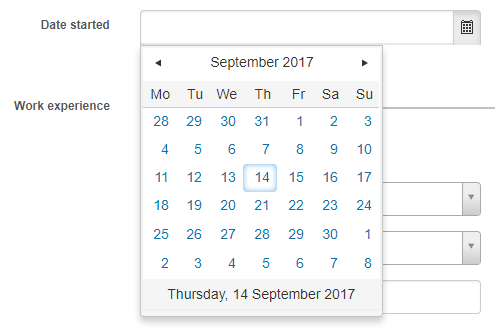 |
| Date Time | Used to add a date and time field to a system object. The end user selects the field, then chooses a date from a date picker and a time from a time picker. Example:  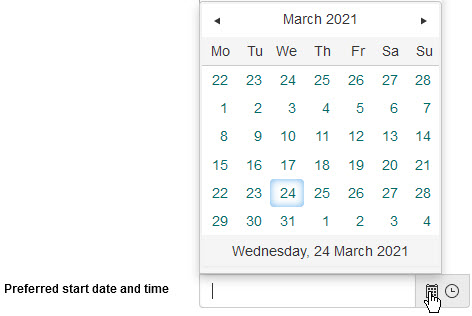 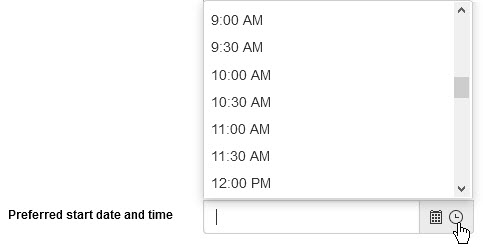 |
| Float | Used to add a text entry field that accepts whole numbers and floating-point numbers (those containing a decimal point). Lower and/or upper limits can be set, and any specified limit is included in the allowable range. You can also specify the number of decimal places the entered number is rounded to. Example — adding a float text entry field:  |
| Image | Used to add an image upload field to a system object. Supported files: .jpg, .png and .gif. End users select Select file and browse their folders to choose an image.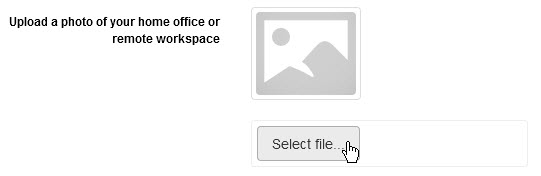 When the image is uploaded, it is displayed and the file name listed. 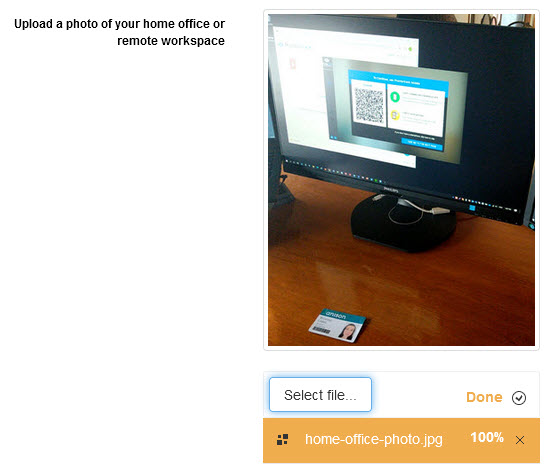 |
| Integer | Used to add a text entry field that accepts whole numbers. Lower and/or upper limits can be set, and any specified limit is included in the allowable range. Example — an integer field with a lower limit of 2 and upper limit of 5:   |
| List | Used to add a drop-down list to a system object. Each list element can have a name, an identifier and a value associated with it. Example — adding a list drop-down field to the New User screen: 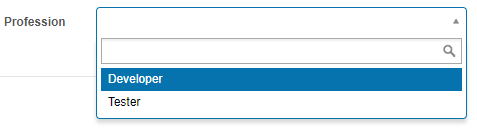 |
| Memo | Used to add a free text entry field. Similar to a string custom attribute, but provides a larger text entry area. The memo can be set to either: A plain text field with no word limit:  Or a rich text field, with options to set a word limit and add default text shown to end users. This type lets the end user format their entered text: 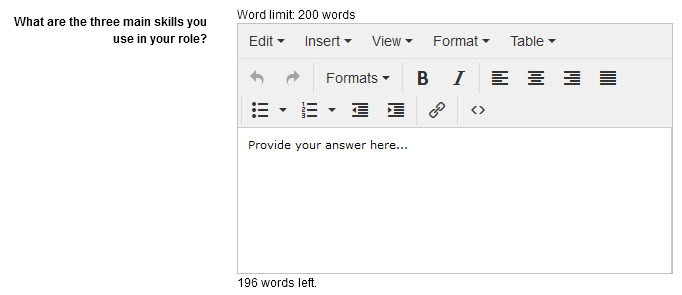 |
| Selection | Used to add a selection drop-down list to a system object. Similar to a list custom attribute, but without the option for an identifier or value per list element. Example — adding a selection drop-down to the New User screen: 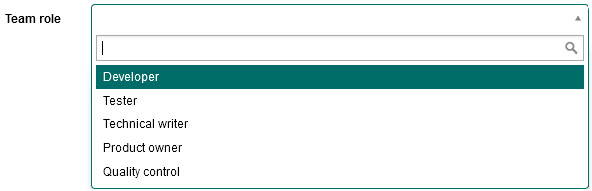 |
| Selection with other | Used to add a drop-down list with an additional 'Other' text entry field. Essentially the same as a selection custom attribute, but end users can select 'Other' and enter text to create their own element. If none of the elements suit, the user selects Other from the drop-down field: 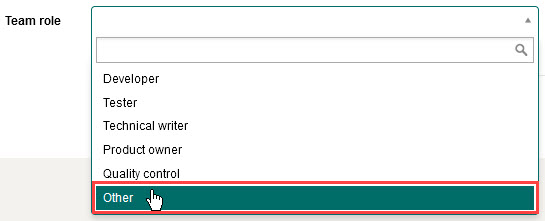 Then enters the required text in the field that displays:  |
| Selection from system entity | Used to add a drop-down containing a list of system entities. The system creates the list based on the settings selected when the custom attribute is created. Example — adding an organisation unit drop-down to the User screen:  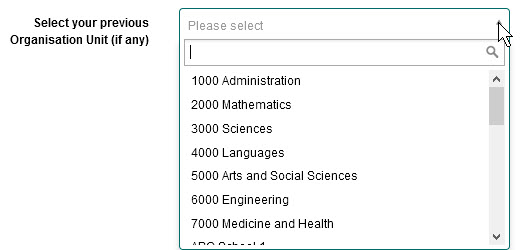 |
| String | Used to add a free text entry field to a system object. The text can be restricted by length or by a regular expression. This type is used for the majority of metadata fields. Example — adding a free text field to the New User screen:  Tip: a regular expression ('regex') is a sequence of characters that define a pattern. See Regular-Expressions.info for more detail. |